Clearer billing packages
SOV, retention, and attachments stay together for review.
We use essential cookies to run the site and optional cookies to improve your experience and measure usage. You can change your choice anytime in Cookie Preferences.
COMMERCIAL OPERATIONS · PAYMENT APPLICATIONS + SOV
Build and maintain Schedule of Values, assemble payment applications with supporting documents, track retention, and route reviews — humans approve.
Clearer billing packages with evidence attached for review.
Product overview
Payment Applications + SOV is the Commercial Operations billing leaf. It covers pay apps, SOV, retention, and supporting evidence. Standalone Billing/Invoice leaves are not duplicated.
Built for Project accountants, PMs, and owner billing contacts.
Product proof
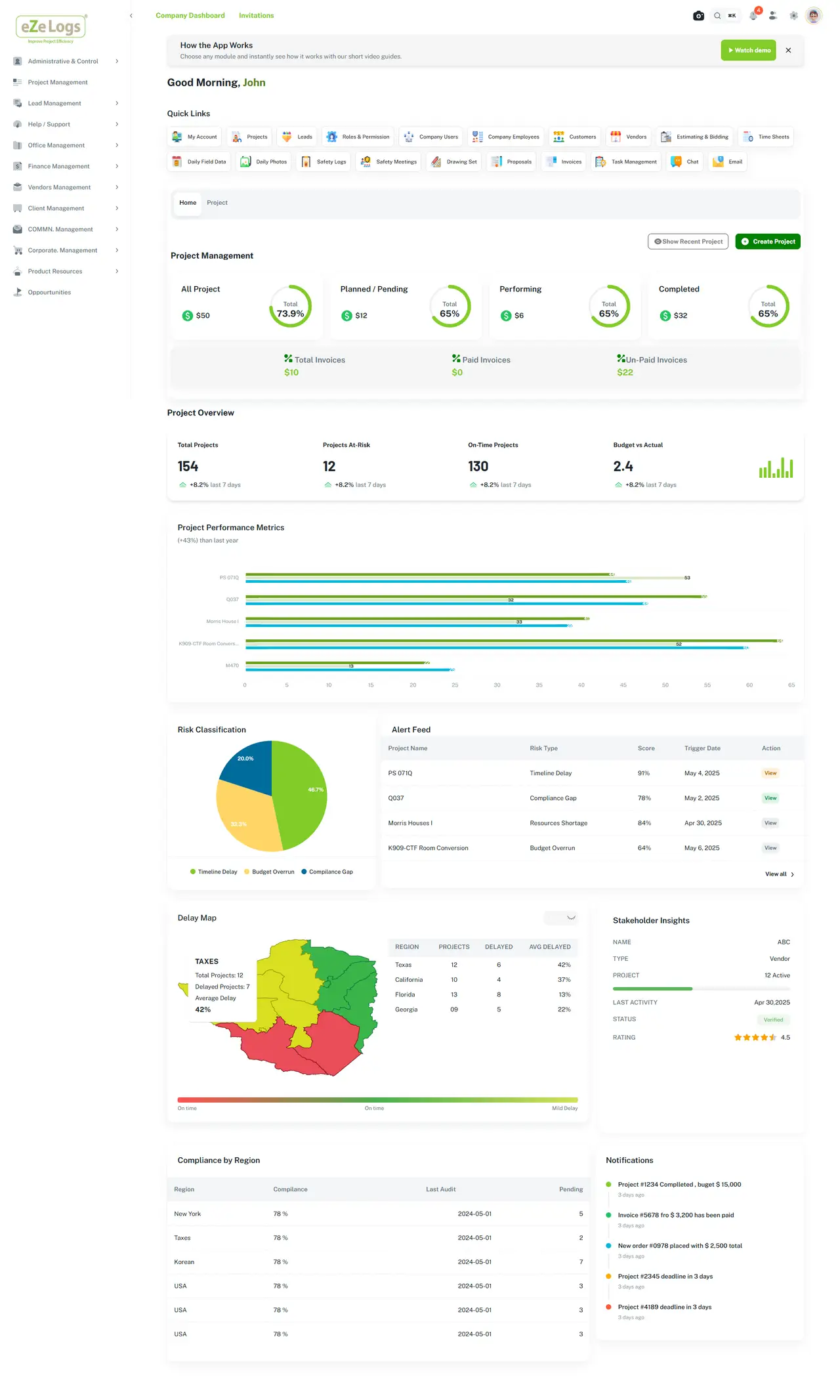
Portfolio and company views support awareness without automatic collections claims.
End-to-end workflow
One continuous family — current stage highlighted, full path visible.
Lifecycle position
AI ASSISTANCE — ADVISORY
AI may help organize supporting documents and flag incomplete sections. It does not post accounting entries or auto-approve pay apps.
Inputs
Outputs
Connected modules
Field Management → Daily Reports → Safety → Quality → Photos & Media → Equipment & Assets → Job Costing → Executive Experience
Business outcomes
SOV, retention, and attachments stay together for review.
Approvals remain human-governed with history.
Billing periods relate back to job cost context.
Construction examples
SOV lines, retention, and photos packaged for owner review.
Supporting documents attached before human approval.
Retention status visible for commercial review — not auto-released.
Evidence & governance
Consequential actions stay with accountable people and role-based controls.
Canonical RFI and Daily Field records remain on the work they support. Ezelogs does not introduce a second write authority.
Keyboard-operable surfaces, clear focus, and readable contrast across the public website.
Public pages stay available while investor-private materials remain access-controlled.
FAQ
No. It supports construction billing packages and review. Accounting automation is not claimed.
No. Billing/pay-app intent is covered here to avoid duplicate routes.
No. Approvals remain human-governed.
Related products & resources
Walk Job Costing → Contracts → Procurement → Payment Applications as one governed commercial suite.