Captured once
Field media is uploaded a single time and reused across modules.
We use essential cookies to run the site and optional cookies to improve your experience and measure usage. You can change your choice anytime in Cookie Preferences.
CONSTRUCTION OPERATIONS INTELLIGENCE · PHOTOS & MEDIA
Capture photos, media, and drawing markups from the field app, keep them organized by project and activity, and reuse them directly in daily reports, safety, and quality records.
Organized field media linked to the record it documents — no duplicate uploads across modules.
Product overview
Photos & Media runs on the Field App — the mobile capture surface for Construction Operations Intelligence. Photos and drawing markups taken on site attach to the same record daily reports, safety, and quality already use, instead of living in a camera roll.
Built for Field crews, project engineers, and superintendents.
Product proof
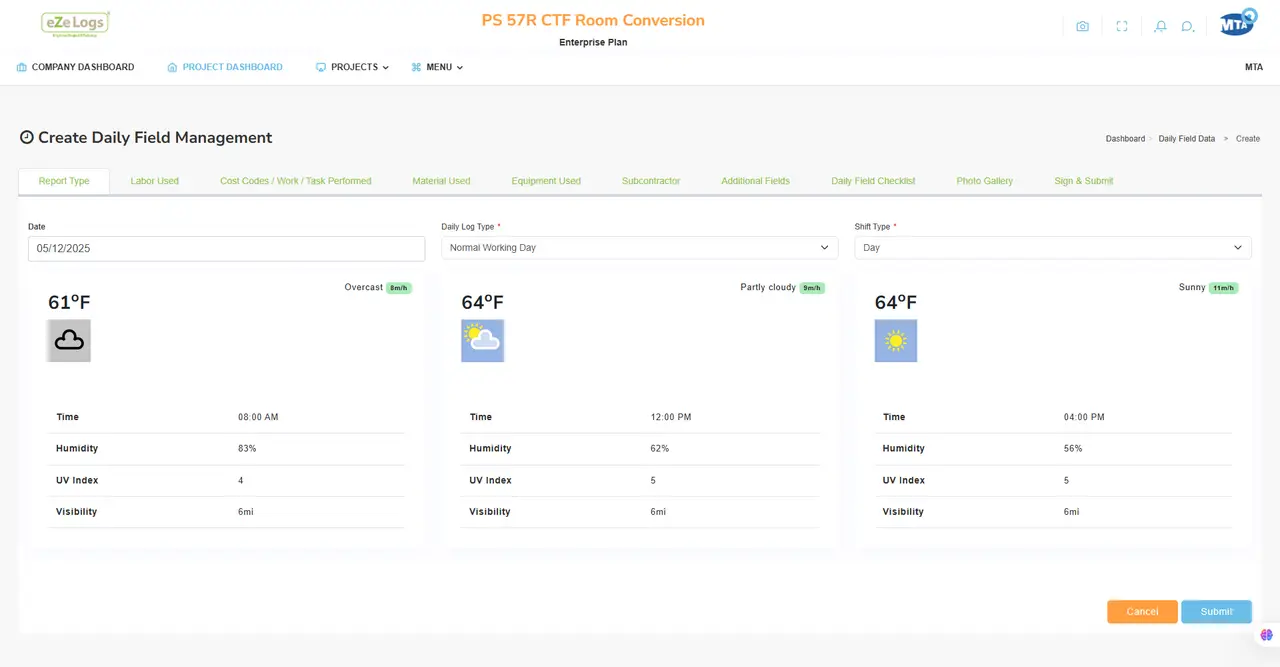
Crews capture photos and short notes from a mobile device without a separate camera workflow.
End-to-end workflow
One continuous family — current stage highlighted, full path visible.
Lifecycle position
Who uses this module
AI ASSISTANCE — ADVISORY
Assistance is advisory. Suggested organization and linkage speed up review; Ezelogs does not perform automatic subject identification or facial recognition on captured media.
Inputs
Outputs
Connected modules
Field Management → Daily Reports → Safety → Quality → Photos & Media → Equipment & Assets → Job Costing → Executive Experience
Business outcomes
Field media is uploaded a single time and reused across modules.
Suggested grouping reduces time spent sorting a project photo library.
Photos stay linked to the record and drawing sheet they document.
Construction examples
A crew’s daily photos attach directly to the day’s report without a separate upload step.
A photo and markup on a specific sheet becomes evidence for an RFI or NCR.
Photos taken during a quality inspection stay linked to the finding they document.
Evidence & governance
Consequential actions stay with accountable people and role-based controls.
Canonical RFI and Daily Field records remain on the work they support. Ezelogs does not introduce a second write authority.
Keyboard-operable surfaces, clear focus, and readable contrast across the public website.
Public pages stay available while investor-private materials remain access-controlled.
FAQ
No. Ezelogs does not perform automatic subject identification or facial recognition. Organization suggestions are based on project, area, and activity context.
Photos & Media is the capture and organization layer; Daily Reports is where that media is documented as part of the day’s record.
Yes. Once captured, a photo can be linked to multiple records — it does not need to be uploaded again for each module.
Related products & resources
Walk Field Management → Daily Reports → Safety → Quality → Equipment as one governed suite.